
A learner solves a problem on the screen. Classmates compare answers in their notebooks. The teacher circles a mistake and asks, “Saan kaya nagkamali?”
That is a useful role for an interactive digital whiteboard: making students’ thinking visible so the class can discuss it.
For Philippine K–12 schools, effective use starts with a clear learning objective, gives every learner a way to participate, and includes a check for understanding. Classroom routines, readable materials, teacher preparation, and an offline backup help turn those intentions into a workable lesson.
What does the research tell us?
A 2020 study by Gabatshwane Tsayang, Tshepo Batane, and Aaron Majuta examined interactive-whiteboard use in Botswana through questionnaires, interviews, and classroom observations. It reported positive findings on engagement and motivation. However, improvements in achievement were reported by students; the researchers did not statistically measure achievement gains. [1]
These findings suggest useful possibilities for classroom participation. They do not establish that installing a board will automatically raise grades in Philippine schools. The following activities are suggested local adaptations, rather than lessons tested in that study.
1. Choose the learning objective before the activity
Decide what learners should understand or demonstrate by the end of the lesson. Then choose a board activity that makes their understanding visible.
For a fractions lesson, ask learners to represent one-half in two different ways and explain why both are correct. For reading, ask them to underline evidence supporting an inference.
Match the task to the curriculum competency your class is studying. A useful planning question is: What will learners explain, decide, or create with this activity?
2. Give the whole class something to do
One learner at the board can easily become one learner working while everyone else waits. Plan a response from the class before inviting someone forward.
Try this routine:
- Display a question and give everyone time to answer independently.
- Ask pairs to compare their reasoning.
- Invite a representative to show the pair’s answer.
- Ask classmates to explain an agreement, correction, or alternative approach.
Rotate who presents and who explains. Learners can participate through notebooks, response cards, or oral discussion without needing individual devices.
3. Build lessons around familiar Philippine situations
Use examples connected to learners’ surroundings, then adjust the difficulty to their readiness. These are starting points for lesson planning:
| Class level | Suggested board activity | Check for understanding |
|---|---|---|
| Kindergarten | Arrange pictures of a familiar school-day routine. | Ask the learner to explain what happens next. |
| Grades 1–3 | Solve a pretend palengke purchase using peso amounts. | Ask learners to show how they calculated the change. |
| Grades 4–6 | Mark fractions on drawings of equally divided pandesal. | Ask why two differently drawn fractions can be equivalent. |
| Junior High School | Annotate a community map showing homes, roads, and public facilities. | Ask learners to justify a proposed location for a new facility. |
| Senior High School | Compare revenue and expenses using a fictional sari-sari store dataset. | Ask learners to explain whether the business made a profit. |
Where helpful, let learners discuss an idea in a familiar language before expressing it using the lesson’s target vocabulary. Keep the mathematical or scientific meaning precise.
4. Use annotation to reveal reasoning
Digital notes are most useful when they show how an answer develops. Keep an initial response visible, then annotate the revision so learners can explain what changed.
In an English or Filipino lesson, underline a claim and mark the evidence supporting it. In mathematics, circle the step where two solutions begin to differ.
The supplied 2023 classroom-technology guide highlights annotation, screen sharing, and preparation of writing tools as practical areas to explore. [2] Check your board’s own instructions: available functions and setup steps vary by model and software. Test the exact activity before using it in class.
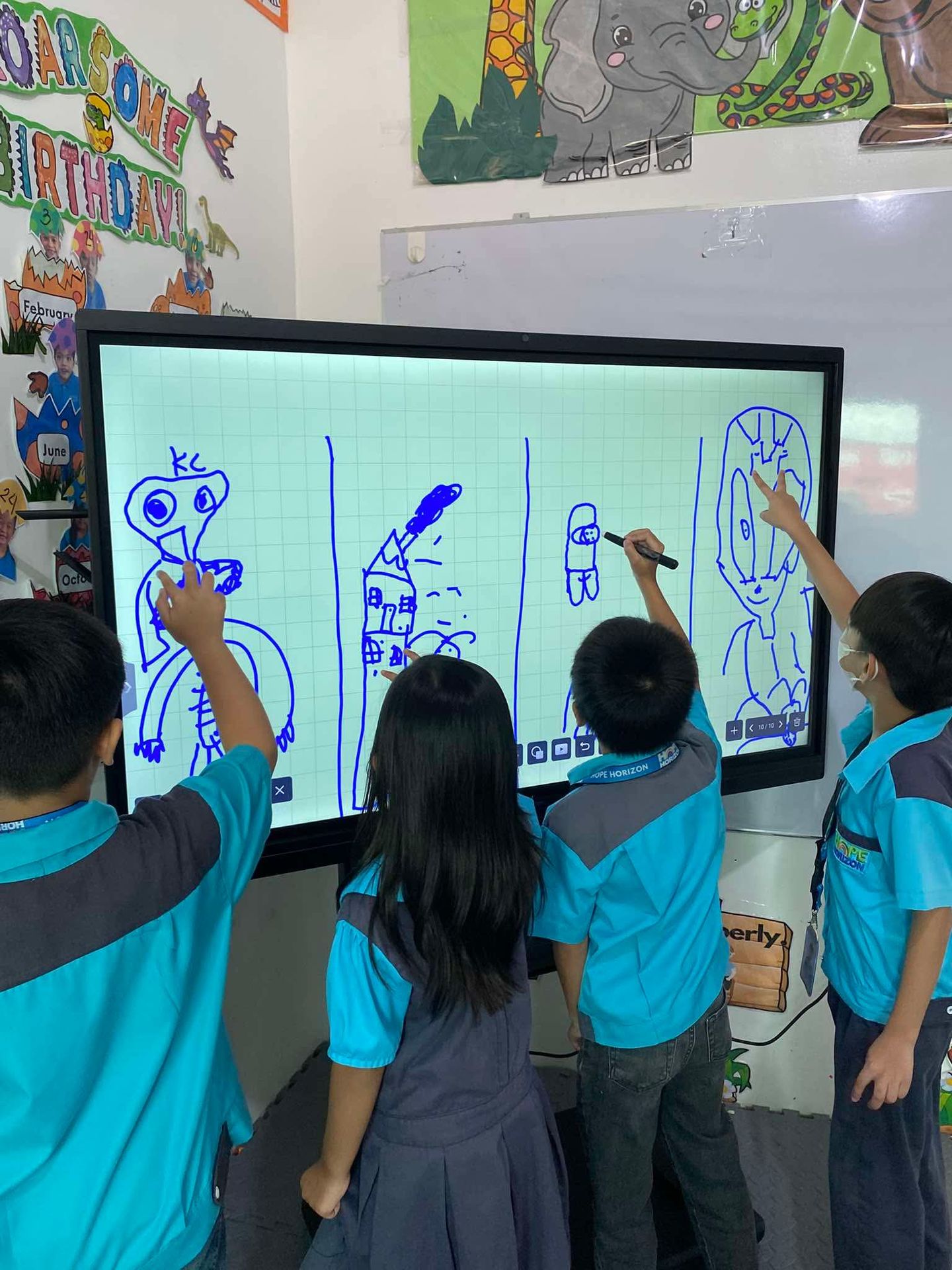
5. Check visibility and offer different ways to respond
Review the lesson from the back and sides of the room. Can learners read the smallest text? Do windows create glare? Can younger learners comfortably reach the activity area?
Use uncluttered pages, readable text, and strong contrast. Pair colors with words or symbols so meaning does not depend on color alone. Provide captions or a written explanation for essential audio content.
Give learners options to speak, write, point, or direct a partner. A learner who cannot comfortably reach or operate the screen should still be able to contribute an answer and explain it.
6. Prepare for limited connectivity and interruptions
Build a version of the lesson that can continue if the internet connection drops. Save permitted copies of essential materials locally and test them with Wi-Fi disconnected. Confirm which whiteboard functions and files remain usable offline on your setup.
Keep a paper or conventional-board version of the core task for a power interruption. It can be as simple as the same problem, a printed diagram, and three discussion questions.
If the school shares one interactive board across classes, agree on a schedule and prepare files before the session. Protect teaching time from avoidable setup delays.
7. Save useful explanations for the next lesson
Where your software supports it, save the annotated page showing the class’s solution and reasoning. Use a clear filename with the subject, grade, and topic.
At the next meeting, reopen an example and ask learners to reconstruct the explanation before showing the completed work. Share an approved copy through the school’s usual channel when appropriate, with a printed alternative for learners who need one.
Build a small collection of reusable templates: a number line, a comparison chart, a community map, or a claim-and-evidence organizer.
8. Train with real lessons and check what learners understood
For teacher practice, choose one upcoming lesson and rehearse its full sequence: open the material, write, erase, invite a response, and save the result. Include a colleague who can help resolve common setup issues.
After class, look beyond whether learners enjoyed the activity. Review their explanations, independent work, and exit answers. Note any misconceptions and the time lost to technical problems.
A simple exit task works well: give a new example and ask learners to solve it independently. Use their answers to decide whether to move forward, reteach, or adjust the next activity.
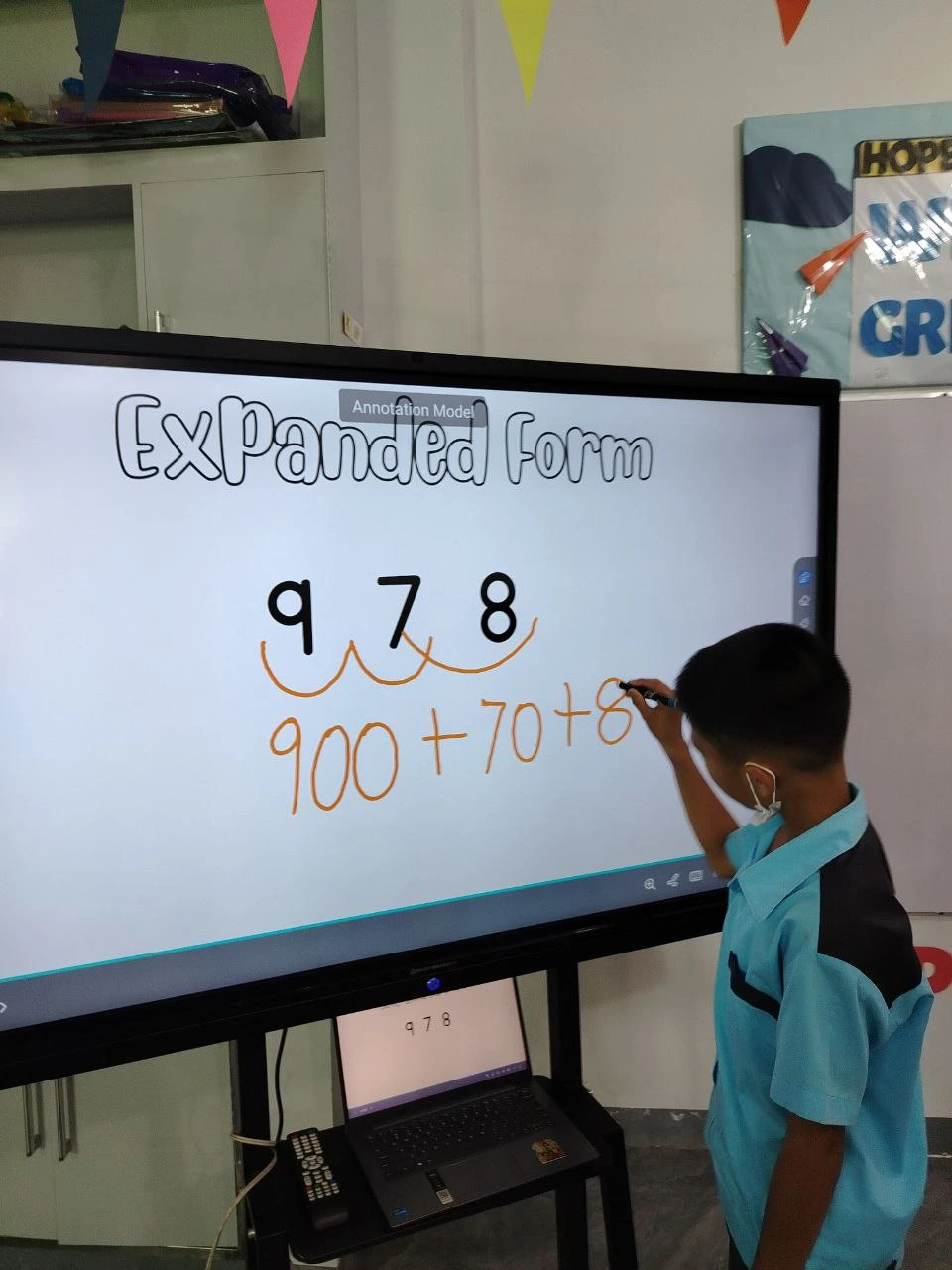
Try a short lesson sequence
For a Grade 5 fractions activity, show two drawings of equally divided pandesal and ask whether the shaded portions represent the same amount. Let learners answer individually, compare with a partner, and annotate a proposed explanation on the board. Finish with a different fraction problem completed in notebooks.
Keep the saved explanation for review, and use the independent answers to plan the next lesson.
Plan your classroom setup with Smartboard PH
Considering an interactive digital whiteboard for your school? Discuss your classroom size, grade levels, connectivity, and teaching requirements with Smartboard PH. Bring a sample lesson so the conversation starts with what your teachers and learners need to do.
Call: 0917-154-8719
Email: sales@smartboard.ph
Sources and contact
- Tsayang, G., Batane, T., and Majuta, A. (2020). Study of interactive-whiteboard use in Botswana. International Journal of Education and Development using Information and Communication Technology, 16(2), 22–39. Read the research paper.
- EdTech Magazine (May 16, 2023). Interactive Digital Whiteboard Best Practices for K-12 Classrooms. Read the practical guide.
- Smartboard PH.